Every ticket, read.
Every report, written.
Dossier reads every ticket across your clients, with the devices, docs and meetings around them, so your team always has the full story. Then it drafts each client’s weekly report, for their leadership or for the technicians, and sends it once you approve.
READS THE TOOLS MSPS ALREADY RUN ON
- NinjaOne
- Hudu
- Fathom
- SharePoint
01 — TICKETS
The whole story
behind every ticket.
Dossier reads each ticket from the first email to the last note. It writes down what the client saw, what was tried, why it happened, how it was fixed and what’s still owed, so whoever picks it up next starts from the full story.
- Who raised it and everyone who worked on it
- Tickets like it at this client or any other, and how they went
- Internal notes read too, and always labelled as yours
02 — REPORTS
Every client’s report,
written for its reader.
Each week Dossier drafts a report for every client from their tickets, devices and meetings. Write it in plain words for the client’s leadership, or ticket by ticket for the technicians, yours or theirs. Nothing goes out until someone on your team approves it.
- Executive how the week went and what it means for the business
- Technician alerts, devices and tickets by name and number
- Your schedule drafted on the day you pick, sent with your logo
03 — ACROSS CLIENTS
Wake up to
what needs you.
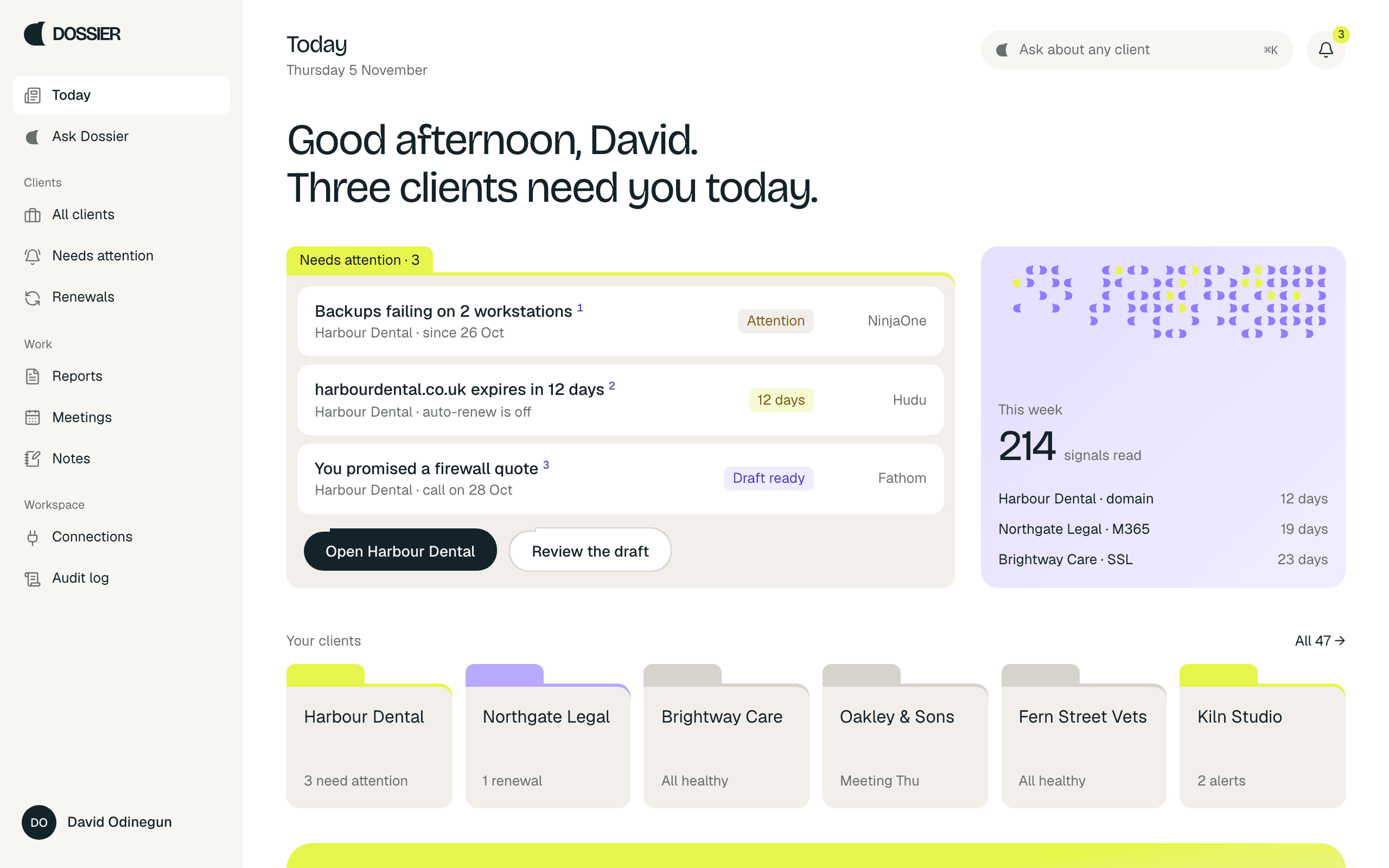
Before your first coffee, Dossier has read every client and set aside the few things that need a person: failing backups, renewals, promises made on calls. When the same problem turns up at several clients, it tells you that too.
- Needs attention ranked across every client
- Patterns the same problem, spotted at several clients
- Next steps drafted, ready to accept or edit
04 — ASK
Ask anything.
See the ticket behind it.
Ask about one client or all of them. Every answer, alert and report line shows the records it rests on, one click from the ticket, document or call it came from.
- Ask Dossier in plain English
- Sources on every line
- Open the record in the tool it came from
HOW IT WORKS
Tickets in. Reports out.
Connect your tools once. Dossier reads them, works out what matters, and drafts what your clients and your team need to know.
- 01Read
Read-only keys for NinjaOne, Hudu, SharePoint and Fathom. Every ticket, device, document and call filed under the right client.
- 02Understand
Dossier reads each ticket through, ranks what needs a person and answers questions, citing the records behind every line.
- 03Act
Approve the week’s reports, accept a drafted next step, or open the record in the tool it came from.
Dossier only ever reads. Every read and every action is written to the audit log.
05 — THE CLIENT FILE
Filed,
not buried.
Point at a tab to pull its records
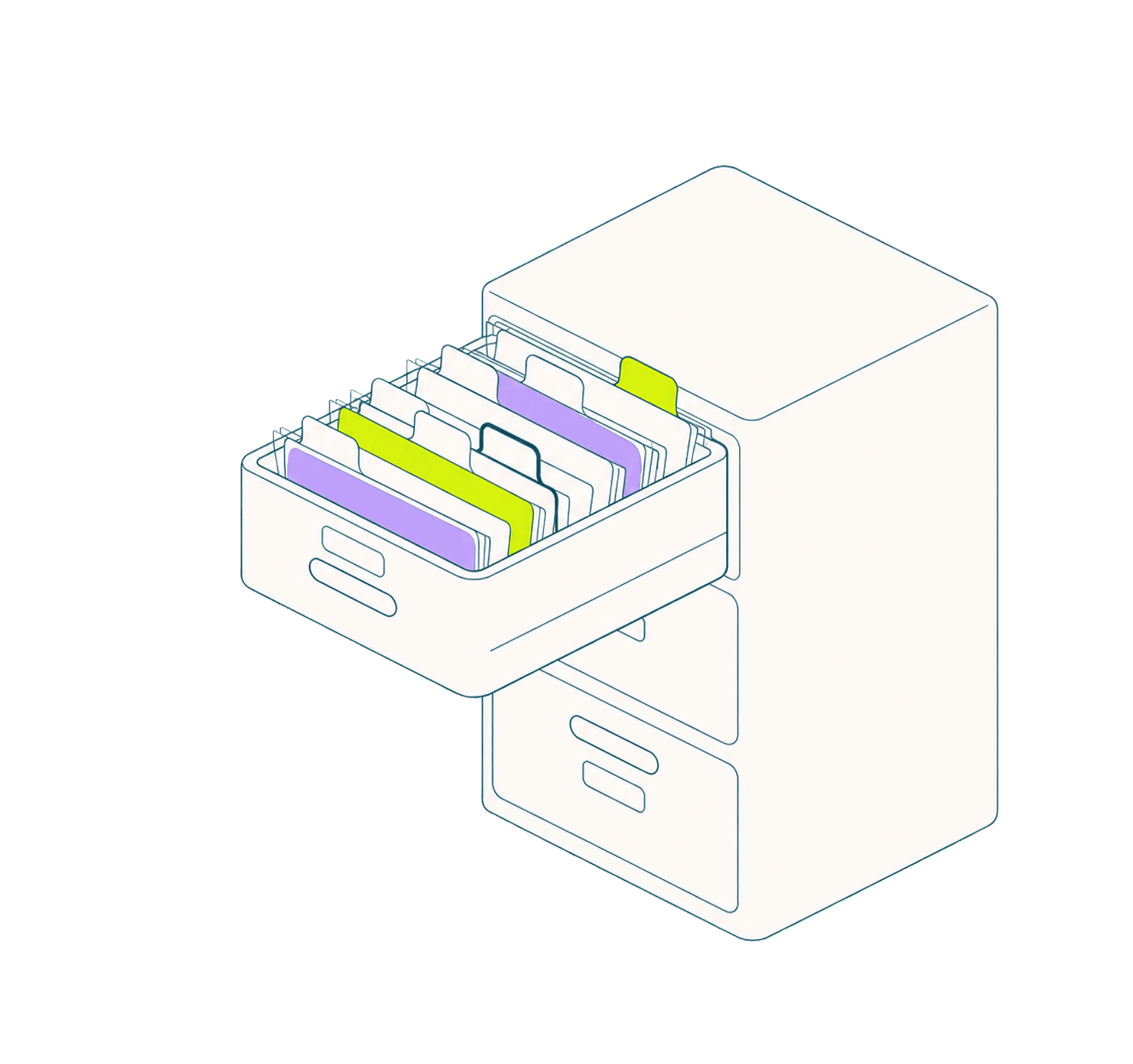
Every client gets one folder. Tickets, devices, reports, meetings and notes are tabs inside it. Open a tab and the records come out, each one cited back to the tool it came from.
Start your first file- 01Tickets274 read
- 02Devices13 watched
- 03Reports1 to approve
- 04Meetings38 promises
- 05Notes3 waiting
Your tickets already tell
every client’s story.
Dossier reads them and writes it up. Set up in five minutes, read-only from day one.
Already have an account? Log in